Requests
01Create new inspection requests
The request, live follow-up, and deliverables stay together inside the same client workspace.
01 / Inspection App
The Inspection Portal App gives clients one workspace to create inspections, follow every status step, review reports and photos, and keep questions attached to the right inspection.
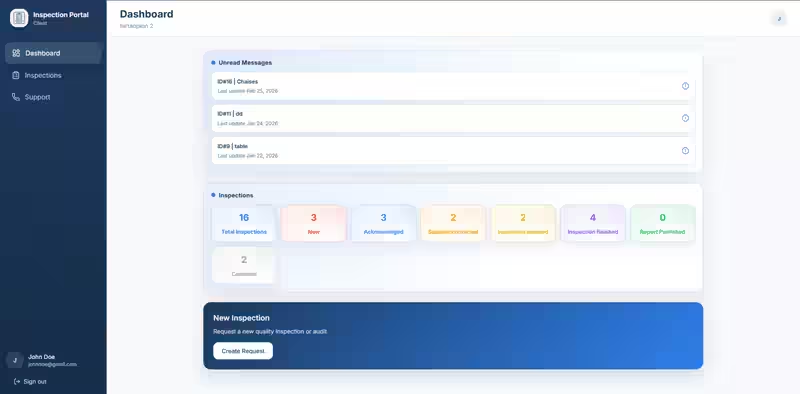
Inspection App
The Inspection Portal App replaces scattered follow-up with one operational workspace. Teams can submit requests, monitor progress, review files, and keep communication attached to the inspection itself.
Create new inspection requests
Track status live
Open reports and photo evidence
Requests
01Create new inspection requests
The request, live follow-up, and deliverables stay together inside the same client workspace.
Statuses
02Track status live
You do not need to chase updates to know where each inspection stands.
Reports
03Open reports and photo evidence
The key files stay attached to the right inspection record.
Messages
04Keep questions in an inspection chat
Clarifications stay tied to the inspection they belong to.
Mobile
05Use desktop and mobile access
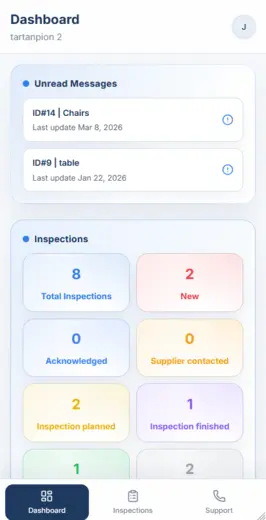
Teams can follow inspections from desktop or while travelling.
02 / PRODUCT WORKSPACE
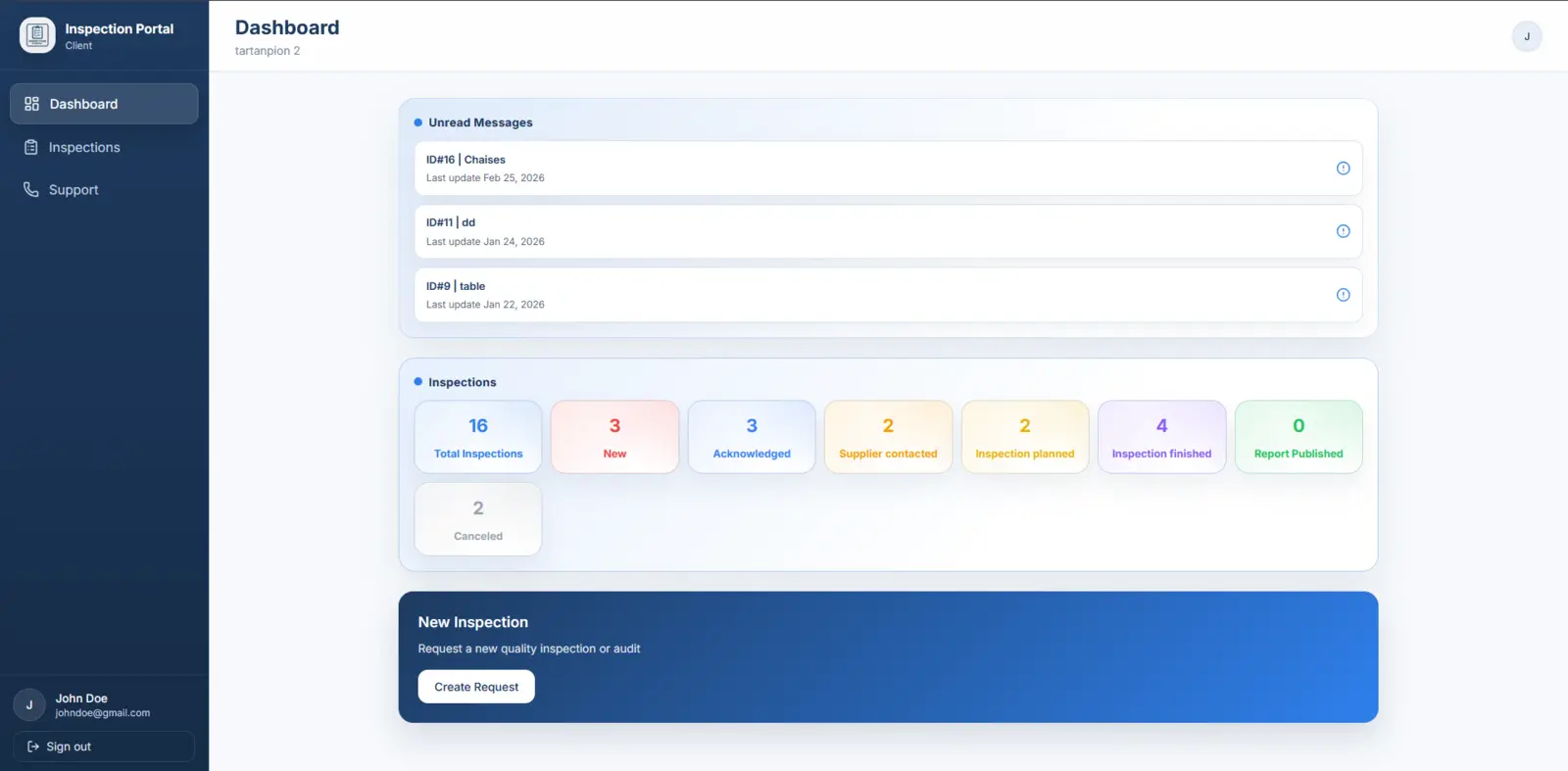
The interface gives clients a live dashboard, a searchable inspection list, detailed files and reports, and mobile access for day-to-day follow-up.
Dashboard
The dashboard surfaces unread messages, live status counts, and a direct entry point to create a new request.
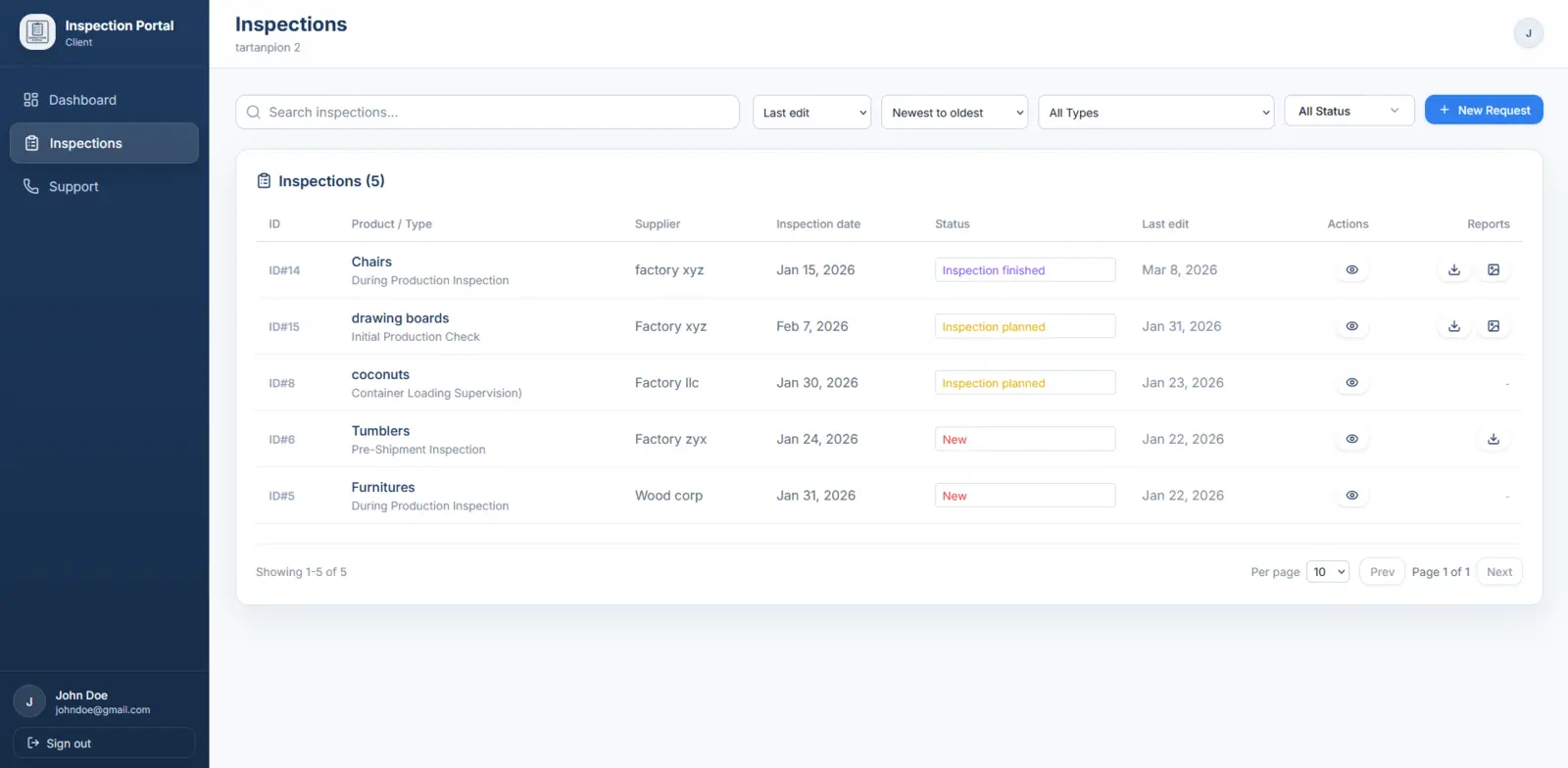
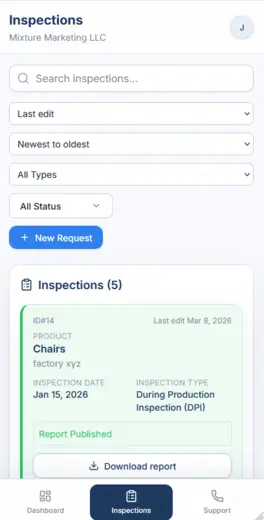
Inspection list
Search by project, filter by status or type, and access reports or the inspection record without digging through email.
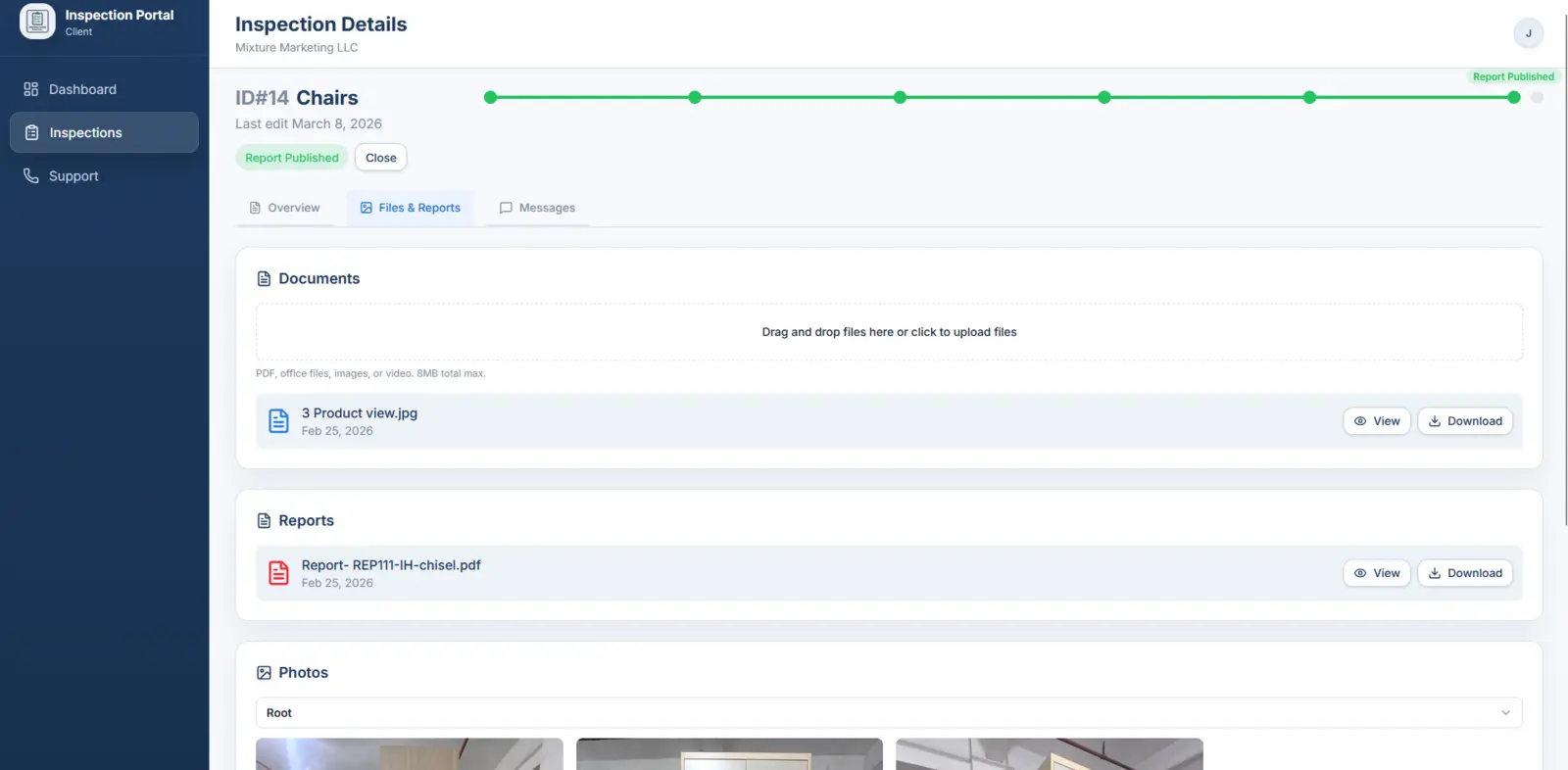
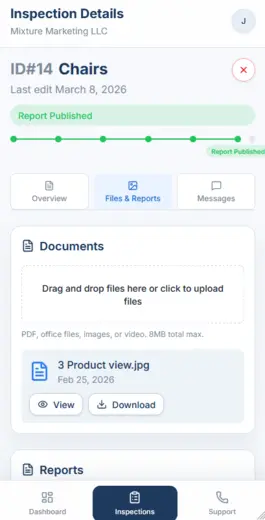
Inspection details
Each inspection record centralizes progress, downloadable files, photo evidence, and the conversation thread used for questions or follow-up.
03 / ACCESS
Best for active or repeat clients who want one client-facing workspace for recurring inspections, shared visibility, and faster follow-up across teams.
Active clients managing multiple inspections and multiple client-side users.
Buying teams that want shared visibility without forwarding email chains.
Projects where photos, reports, questions, and statuses need to stay tied to each inspection.
04 / How it works
The Inspection Portal App is most useful when the request, status, files, and questions need to stay tied to the same job.
Submit product, factory, service type, and target date in one structured form.
See each inspection move from request to planning, execution, and report delivery.
Open reports, supporting documents, and photo evidence from the same inspection record.
Use the inspection message thread to keep clarifications and follow-up tied to the right job.
05 / FAQ
Clients who want to create inspections, track status, receive notifications on updates, view pictures, documents and reports, and communicate directly with us all in one place.
Yes, or we can also do it for you. You can create as many inspections as you want and track them individually.
Yes. Each inspection record can centralize downloadable reports, photo evidence, and supporting documents from one place.
Yes. The app is positioned as a per-inspection workspace, so files, updates, and questions stay linked to the right job.
Yes. The app is designed for desktop and mobile access so clients can keep visibility while travelling or coordinating with several stakeholders.